How to Turn a Portrait Moodboard into a Real Shoot Checklist

A couple portrait moodboard can look beautifully finished while leaving the practical questions unanswered. Which clothes will you actually wear? Can you move in them? What happens if the chosen background is unavailable? Does everyone agree that the concept can be shared?
I would separate inspiration from preparation. A moodboard helps you describe a direction; a shoot checklist makes that direction possible. Treating those as two different jobs keeps an attractive reference from becoming an unrealistic promise.
Here is a planning method for two adults preparing a portrait session with clothes they already own. The example is hypothetical, not a report of a completed shoot or a product test. You can use the same checklist with paper sketches, phone photographs, or optional AI concepts.
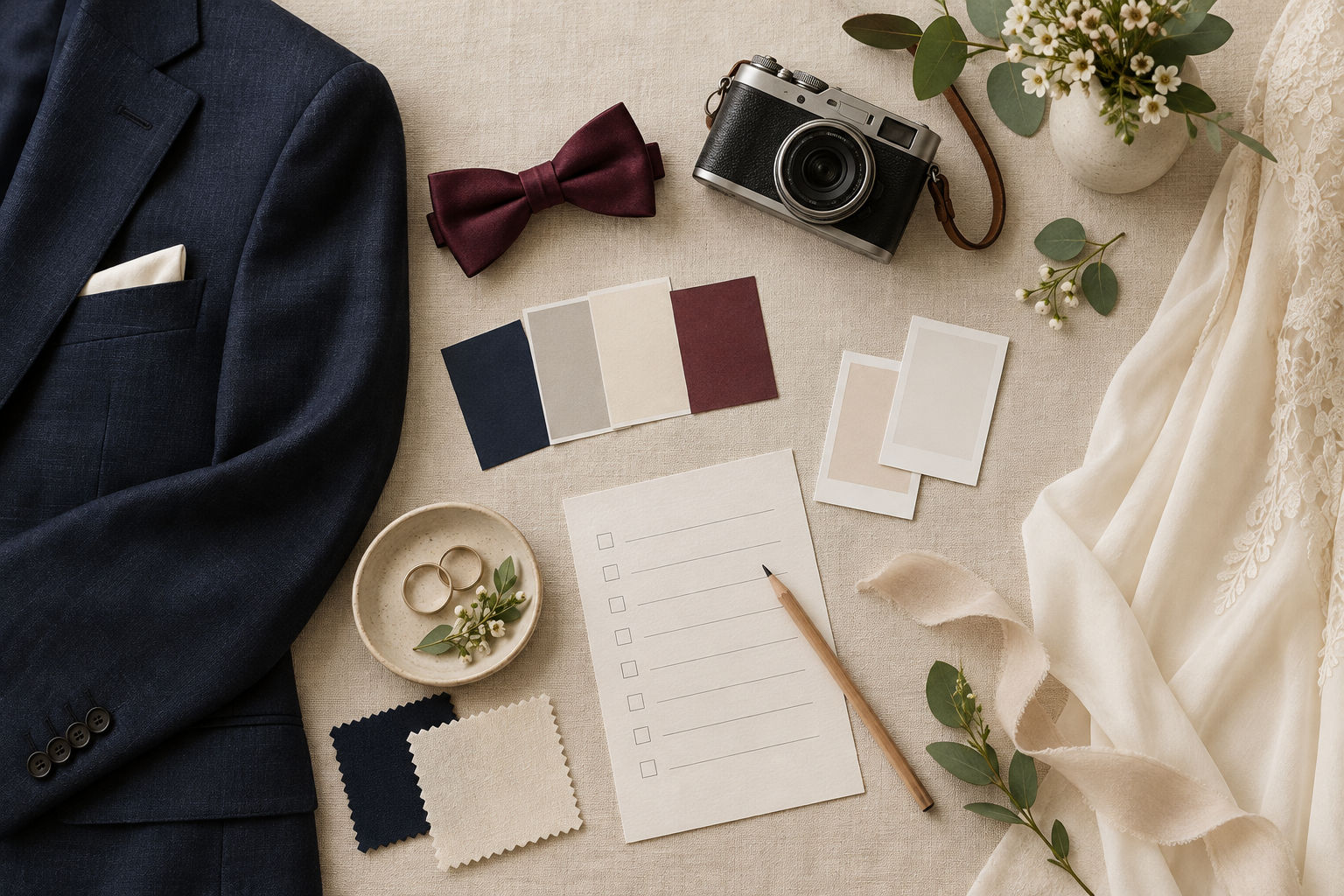
AI-generated conceptual illustration. It is not a photograph of a customer session or a result from either tool discussed below.
1 Give every reference a specific job
Do not collect pictures just because each one looks appealing. Write a short reason beside each reference: soft background, relaxed posture, restrained accessories, or a colour relationship you want to discuss.
A single picture may contain several attractive features, but you do not need to copy them all. A useful note is “quiet background, not the clothes.” That tells your partner or photographer what matters without asking them to recreate an entire image.
Keep the board small enough to explain in a short conversation. Remove references that contradict the agreed direction unless you are deliberately comparing alternatives. More examples do not automatically produce a clearer brief.
Finish this stage with one sentence: “We want a relaxed outdoor portrait, with our usual style and one shared colour.” If the sentence feels wrong to either participant, revise it before choosing accessories.
2 Replace ideal garments with an inventory
Lay out the actual clothes you might wear. Record the items rather than a broad description such as “formal look.” Include shoes, an outer layer, and any accessory that changes how the outfit feels.
For the imagined session, one person might choose a familiar navy shirt while the other keeps a cream layer. A small burgundy accessory could connect the outfits without making them identical. This is an example to evaluate together, not a universal colour rule.
Photograph the real items in ordinary light. The purpose is to document what is available, not to create a polished fashion image. If an item needs cleaning, alteration, or replacement, add that task explicitly instead of hiding it behind the moodboard.
Be careful with “sustainable” claims. Choosing something you already own is a practical decision; it does not establish a measured environmental saving for this session. You do not need a statistic to explain the benefit of avoiding an unnecessary purchase.
3 Keep optional concepts separate from evidence
An AI concept can help two people discuss a scene before meeting. For example, Imya offers a couple-photo page with reference-photo and style controls. That may provide another way to explore a portrait direction when the participants have separate reference photographs.
It is optional, and it is not proof of what a photographer can deliver. Check current account, credit, and privacy requirements before uploading. Use appropriate photos with permission from everyone involved, and agree on whether a generated concept can be shared.
An output might change a face, garment, accessory, pose, or location detail. Mark the parts you want to discuss and the parts that do not correspond to reality. “We like the framing; the shirt is not our shirt” is a useful distinction.
If a generated image cannot represent the question faithfully, use the original references. A sketch and a clear note can be more useful than a convincing image with incorrect details.
4 Translate clothing questions into real checks
A clothing concept is useful only when it answers a limited question. You might compare whether a quieter jacket direction makes the portrait less busy. Tryonr's clothes-changer page includes a subject photo, garment references, and a prompt field. See the tool if that kind of visual comparison would clarify your brief.
Do not use the preview to decide fit, fabric feel, comfort, or garment measurements. Those require the actual clothes. If a concept invents a fastening, changes the cut, or removes an accessory, do not treat the modified detail as something you own.
Try on the chosen outfits and perform the movements you expect during the session. Check the real shoes on the route you plan to walk. Make room for a practical outer layer, even if it is absent from the moodboard.
Record the result as an action: “Keep the comfortable shoes,” “bring the warmer layer,” or “choose the jacket already checked.” Avoid a vague instruction such as “make it look like the generated picture.”
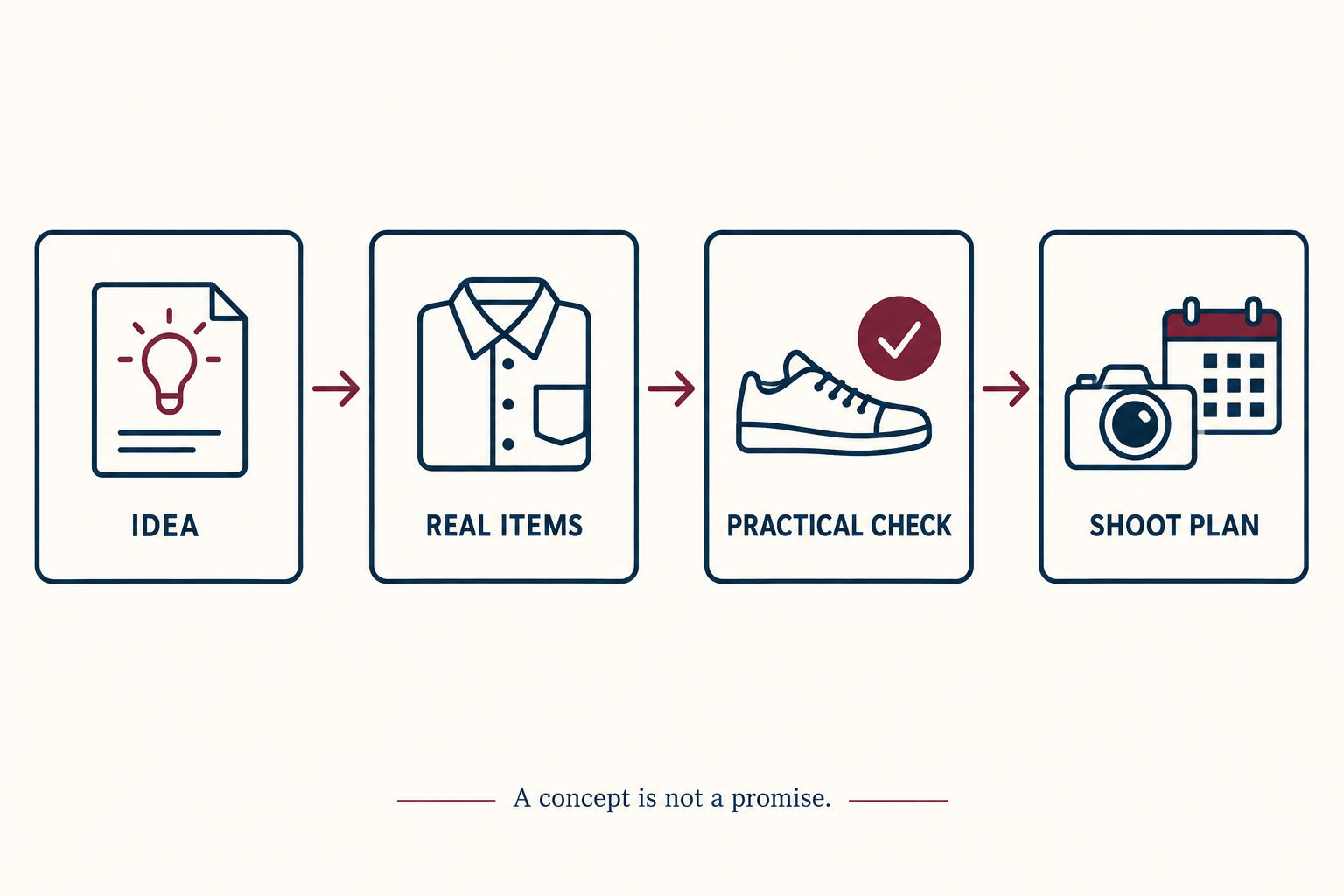
AI-generated planning diagram. A visual concept and a real-world check serve different purposes.
5 Create a checklist someone else can understand
Use four columns in a note: decision, actual item or action, person responsible, and unresolved question. That turns a shared visual idea into small tasks without pretending that every detail is settled.
For example, the selected shirt is already available; one participant checks that it is ready to wear. The quieter outdoor background is a preference; the location still needs to be confirmed directly. The moodboard does not establish permission, access, weather, or availability.
Ask the photographer what references are helpful and what is realistic for the planned session. Share the brief as inspiration, not a demand to match invented details. Keep an alternative location or indoor direction only if it is genuinely practical.
Before sending reference photos or posting the finished portrait, confirm permission again. Agreement to a private planning conversation is not automatic agreement to public sharing. A changed plan deserves a fresh conversation.
The Bottom Line
Give each reference a job, inventory the real clothes, and turn preferences into actions. Optional AI concepts can support discussion, but they cannot replace consent, actual garments, location checks, or a photographer's judgement.
Your next step is simple: choose one favourite reference and write down three things needed to make its useful idea practical. If those three things are clear, the moodboard is doing its job.
Disclosure: Prepared for the team behind Imya and Tryonr. The manuscript and illustrations were generated with AI. All scenarios are hypothetical; no product generation, styling test, or portrait session was performed for this article.